
Compare
Compare Proofaro, honestly
Every meeting tool on this page is good at something, and each comparison below says where the other tool wins as plainly as where Proofaro does. What separates them is five questions — and one design choice: whether your meetings are processed in someone else's cloud, or on your own computer.
The five questions that decide it
- Does a bot join? A named participant changes how people talk — and some tools send one by default.
- Where does transcription happen? In a cloud you rent, or on the computer you own?
- Does it work offline? Not "records now, transcribes later" — actually finished, with no connection at all.
- Where does the recording live, and for how long? Kept, deleted, or kept-for-three-months are very different answers.
- Can it check the paperwork? When the quote contradicts the call, which tool can prove it — with the original words?
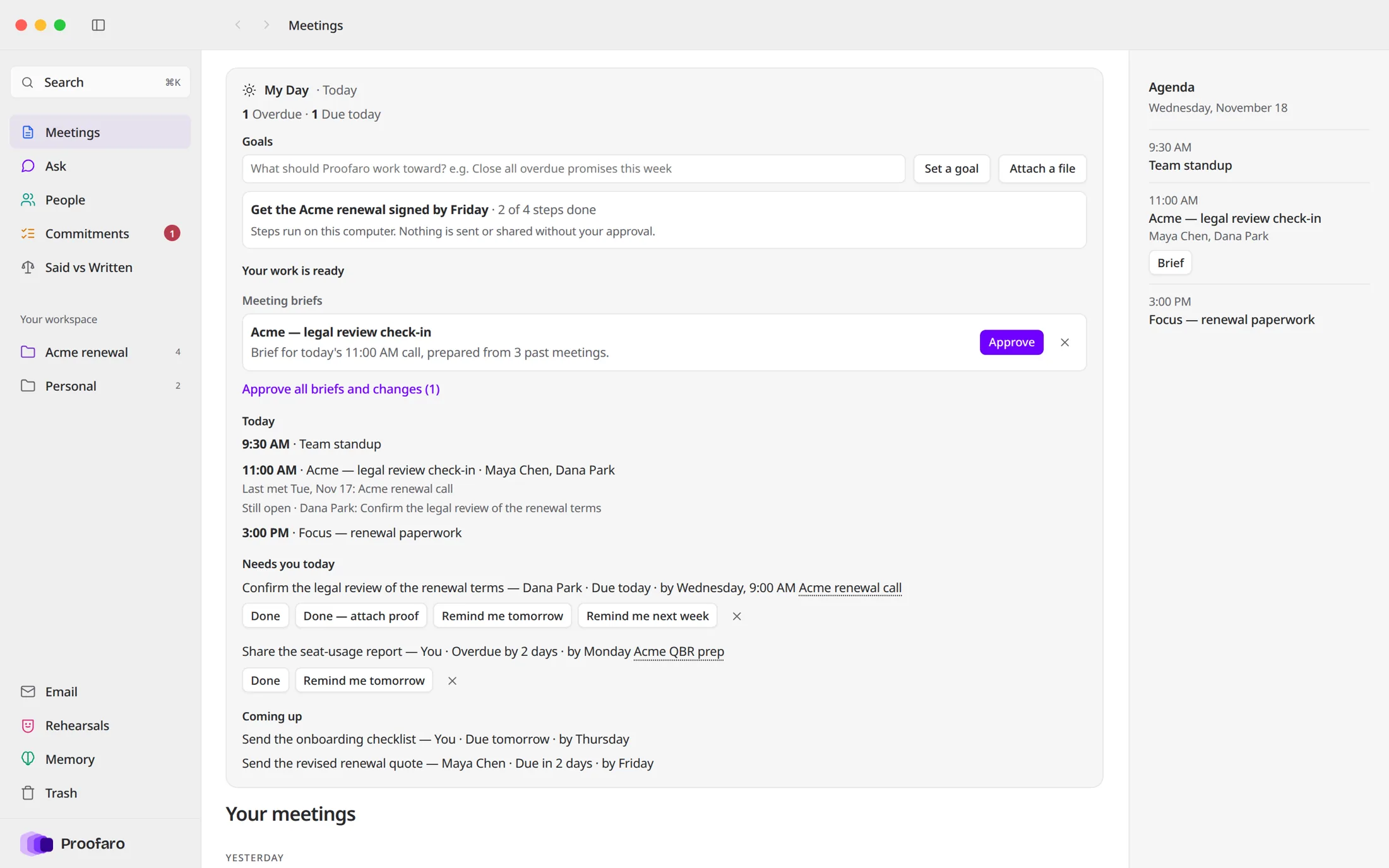
Proofaro's answers: no bot ever joins; transcription runs on your computer; it works fully offline after a one-time setup download; the recording stays on your machine for as long as you keep it; and Said vs Written checks documents against the original words, with the quote as evidence. Here is how the others answer.
All of them, side by side
| Proofaro | Granola | Otter | Fireflies | Fathom | tl;dv | |
|---|---|---|---|---|---|---|
| Joins meetings as a bot | ✗ Never | ✗ Never — captures audio from your device instead | Yes — OtterPilot joins Zoom, Meet and Teams; bot-free desktop recording exists | Yes — Fred joins as a participant; bot-free options exist | Yes — the Notetaker joins; bot-free Mac app in beta (Teams is bot-only) | Yes — a bot joins Zoom, Meet and Teams; bot-free desktop audio exists |
| Transcription runs on your device | ✓ Yes — on your computer | ✗ No — in the cloud; an internet connection is required | ✗ No — “entirely cloud-based”, in Otter's own words | ✗ No — stored and processed in Fireflies' US cloud | ✗ No — processed by Fathom; an internet connection is required | ✗ No — in tl;dv's cloud, hosted in the EU |
| Works fully offline | ✓ Yes — after a one-time setup download | ✗ No — transcription needs a connection | ✗ Records offline, but uploads and transcribes on reconnect | ✗ No on-device transcription mode is described | ✗ No — its help centre states: “Offline recording is not available” | ✗ The phone app records offline, but uploads to transcribe |
| Recording kept — and where | On your computer — replay the exact words any time | ✗ Not kept — transcript and notes only | In Otter's cloud; how long is a workspace retention setting | In Fireflies' cloud (video recording is a paid-plan feature); bot-free desktop mode saves no file at all | In Fathom's US cloud, stored indefinitely until you delete it | In your tl;dv library, with clips and reels; free-plan recordings are kept for 3 months |
| Checks documents against what was said | ✓ Yes — Said vs Written flags changed numbers, dates and promises, with the original quote as evidence | ✗ No equivalent described in Granola's docs (checked November 2026) | ✗ No built-in document check described in Otter's docs (checked November 2026); its blog describes cross-referencing calls with written records by asking Claude through Otter's connector — a chat question, not a document check | ✗ No equivalent described in Fireflies' docs (checked November 2026) | ✗ No equivalent described in Fathom's docs (checked November 2026) | ✗ No equivalent described in tl;dv's docs (checked November 2026) |
| Tracks commitments with proof | ✓ Yes — a ledger of who promised what, by when, drawn from the meeting record itself | Not described in Granola's docs (checked November 2026) | Not described in Otter's docs (checked November 2026) | Not described in Fireflies' docs (checked November 2026) | Not described in Fathom's docs (checked November 2026) | Not described in tl;dv's docs (checked November 2026) |
| Mobile apps | ✗ Not yet — desktop only for now | ✓ Yes — iPhone and Android apps | ✓ Yes — iPhone and Android apps | ✓ Yes — iPhone and Android apps | iPhone app for in-person capture; no Android app | ✓ Yes — iPhone and Android apps (in-person, audio only) |
| Desktop platforms | Mac, Windows and Linux | Mac and Windows | Mac and Windows desktop apps and a web app; no Linux app listed in its system requirements | Windows and Mac desktop apps and a web app; its download page offers no Linux app | Mac and Windows; its help centre lists Linux among the platforms it does not support | Mac and Windows desktop apps; no Linux app listed on its download page |
| Integrations & team tools | Deliberately few — Proofaro works on your machine, not inside your CRM | — | Salesforce and HubSpot sync, Slack updates, Zapier, and an MCP server | 240+ apps: Salesforce, HubSpot and 25+ CRMs, Slack, Zapier and dialers, plus AskFred | Salesforce, HubSpot, Slack, Notion, Asana and Zapier, plus Ask Fathom | Salesforce and HubSpot field sync, Slack, Notion, 5,000+ apps via Zapier, plus coaching scorecards |
| Sign-up | Invite-only early access | Anyone can sign up today | Anyone can sign up today | Anyone can sign up today | Anyone can sign up today | Anyone can sign up today |
| Free tier | Free during early access; paid pricing has not been announced | — | Free Basic plan — 300 transcription minutes per user a month | Free plan — unlimited transcription, 400 minutes of storage per team | Free plan — unlimited recordings and transcriptions | Free plan — unlimited recordings and transcription, with limits on AI notes |
This table summarises the five full comparisons below — all based on each maker's public documentation, checked November 2026, and each full comparison links its sources. A dash (—) means the full comparison does not cover that point.
Try Proofaro free during early access
Proofaro is invite-only while we onboard the first users in small waves. Request an invite and we will write to you at the address you give us.